
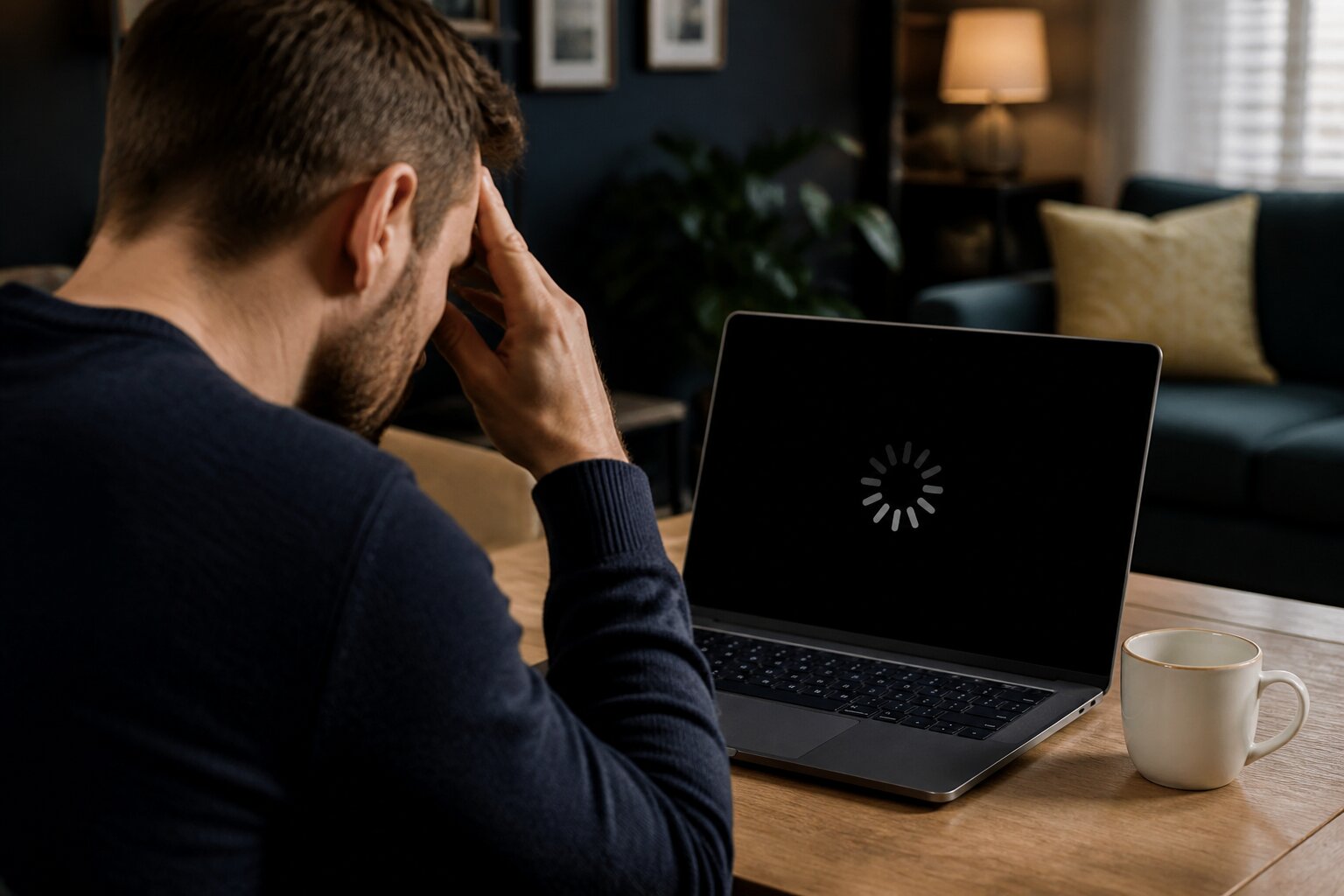
Nothing’s more frustrating than sitting down for a quick spin or hand, only to find your favourite casino game frozen or refusing to load. These hiccups can quickly spoil the session and leave you wondering what’s gone wrong.
You’re not alone; game errors are common and usually traceable to technical causes. This post walks through why games freeze or fail to load, practical remedies you can try, and when to contact support so you get back to playing without fuss.
Ready to sort those errors and restore smooth play? Let’s get into the details.
Why Do Casino Games Freeze or Fail to Load?
Online casino games rely on several systems working together: your device, the browser or app, your internet connection, and the casino’s servers. Problems can arise in any of those areas, which is why a loading issue often has a technical root rather than anything to do with the game itself.
One frequent cause is an unstable internet connection. If broadband performance drops or Wi‑Fi blips, the game may lose connection to the server and stall. Outdated browsers or operating systems can also interfere, because modern games use recent web technologies and expect current software to be in place. Heavy device use, where many apps run at once or memory is low, can create lag and cause the interface to freeze. Finally, brief server-side maintenance or software updates on the casino’s platform can temporarily prevent games from loading.
Knowing these typical causes helps make sense of the fixes discussed next.
Common Causes of Frozen Casino Game Screens
Frozen screens tend to fall into a few familiar categories, each with distinct symptoms that point to the likely source of the problem.
Network problems show up as intermittent disconnects, long loading times, or the game suddenly halting. Software issues, such as using an old browser or mobile OS, often produce rendering glitches or errors when the game attempts to run newer features. Device resource limits can lead to sluggish performance, especially on older phones or computers with many programs open. On the operator side, scheduled updates or unexpected bugs can briefly disrupt games for all players.
It helps to match the symptom to the cause before troubleshooting. For example, if other websites load slowly too, the issue is probably the connection; if only one game misbehaves while others work, it could be a server-side or game-specific problem. Keep this in mind as you move on to practical remedies.
How Can I Fix a Frozen Casino Game?
When a game freezes, practical measures tend to restore normal play. Rather than a rigid sequence of steps, these actions address the likely technical causes described above and can be tried in whatever order makes sense for your situation.
Refreshing the browser or reopening the app often re-establishes a connection to the game server and resolves transient errors. Checking the stability of your internet, for example by switching from mobile data to Wi‑Fi or moving closer to the router, can remove network-related freezes. Ensuring your browser and device software are up to date reduces compatibility issues with modern game code. Freeing up device memory by closing unused apps and browser tabs helps the game run more smoothly, and a full device restart can clear temporary glitches that simple refreshes do not fix. Clearing the browser cache occasionally removes outdated files that conflict with recent updates and may prevent a game from loading correctly.
If these measures do not help, contacting the casino support team is a sensible next step so they can investigate server-side issues or account-specific problems.
What to Do When Casino Games Will Not Load?
When a game refuses to start at all, the same technical areas are worth checking, but the diagnosis usually requires a little more patience. First, confirm whether the problem is isolated to one game or affects the whole site. If multiple pages are slow, network troubleshooting is the priority. If a single title is the only one failing, it may be related to a recent update for that game that your browser or app does not yet support.
In cases of persistent failure, try the following approaches. Restart the browser or app and then the device to clear transient faults. If that does not resolve the issue, test the casino on a different device or browser to see whether the problem follows a specific setup. If the game still will not load, record any error messages or screenshots and reach out to support so the technical team can investigate.
Clearing Cache and Cookies: Does It Help?
Clearing cache and cookies often addresses loading problems because stored files can conflict with a game’s current code. Browsers keep copies of pages and scripts to speed up loading, but when a game or the site receives an update, those cached files can prevent the new version from running correctly. Removing them forces the browser to fetch fresh files and can resolve mismatches.
Access the privacy or history settings in your browser to clear browsing data, and then reload the game page. If you prefer not to clear everything, most browsers let you remove data for a specific site only, which keeps other settings intact.
Devices and Browsers: Which Work Best for Online Casino Games?
Desktop computers and modern smartphones generally provide the most reliable performance because they have greater processing power and more recent operating systems. Popular browsers such as Chrome, Edge, Safari, and Firefox are commonly supported by casino sites, but compatibility improves with the latest browser versions. Some casinos publish minimum requirements or recommended browsers for particular games; checking those guidelines can save time.
If you experience repeated problems on one browser, trying another can quickly determine whether the issue is browser-specific. Likewise, testing on a different device will show whether the fault lies with your hardware or the casino platform.
When Should You Contact Casino Support?
Contacting support becomes necessary when local troubleshooting does not resolve the issue or when you see unexpected changes to your account balance or transaction history. Support teams can check for server outages, confirm whether games have known bugs, and advise about account-specific matters.
Provide clear details to the support team: which game failed, the device and browser used, time of the incident, and any error messages or screenshots. This information helps technicians reproduce the problem and identify whether the cause is local to your setup or related to the casino’s systems. Support channels typically include live chat, email, and phone, so use whichever is most convenient.
Our support staff operate under regulatory standards to ensure issues are handled transparently and thoroughly.
Are Game Errors a Sign of Unfair Play?
It is reasonable to question whether technical glitches could affect fairness, but frozen screens and loading faults do not indicate tampering with game outcomes. Licensed operators use certified systems and controls designed to prevent interference with how results are generated.
Games from reputable providers rely on random number generation and related safeguards that are independently tested. Licensed operators are also subject to:
- independent testing of software and random number generators,
- regular audits of systems and procedures,
- ongoing monitoring to detect and correct operational faults.
Technical errors are operational issues and do not alter the underlying process that produces results. Providers keep logs and records so any unexpected behaviour can be reviewed and traced back through the system.
If you are concerned that a fault affected a transaction or play outcome, report the incident to support with as much information as possible, for example:
- the time and date of the incident,
- the name of the game and the device you were using,
- any transaction or reference numbers and screenshots if available.
Support will investigate and, where appropriate and in line with regulatory requirements and the operator’s terms and conditions, may take corrective action such as reviewing the outcome or arranging a reimbursement. Regulatory bodies require operators to handle such reports promptly and to keep records of investigations.
Preventative Steps to Avoid Future Casino Game Issues
A few regular habits can reduce the frequency of game problems. Keep your device and browser updated so they remain compatible with new game releases. Prioritise a stable internet connection, using wired broadband or a reliable Wi‑Fi signal when possible. Limiting the number of open apps and browser tabs while playing helps preserve device resources and reduces the chance of freezes. Periodically clearing your browser cache prevents outdated files from interfering with updated game code.
If technical frustrations build up, taking a break and returning later can be more productive than persisting with a session that is likely to be interrupted.
Summary: Getting Back to Smooth Gaming
Resolving frozen screens and loading failures usually comes down to checking your connection, updating software, freeing device resources, and clearing cached data when required. If problems persist despite these measures, contact support with details so the technical team can investigate.
- Keep everything updated to reduce compatibility issues.
- Check your internet connection for stability.
- Close unused apps and clear cache to free device resources.
- Contact support with clear information if issues continue.
We aim to keep play secure, fair, and reliable. Follow these practical steps and you will be better prepared to enjoy smoother sessions and fewer interruptions.
**The information provided in this blog is intended for educational purposes and should not be construed as betting advice or a guarantee of success. Always gamble responsibly.